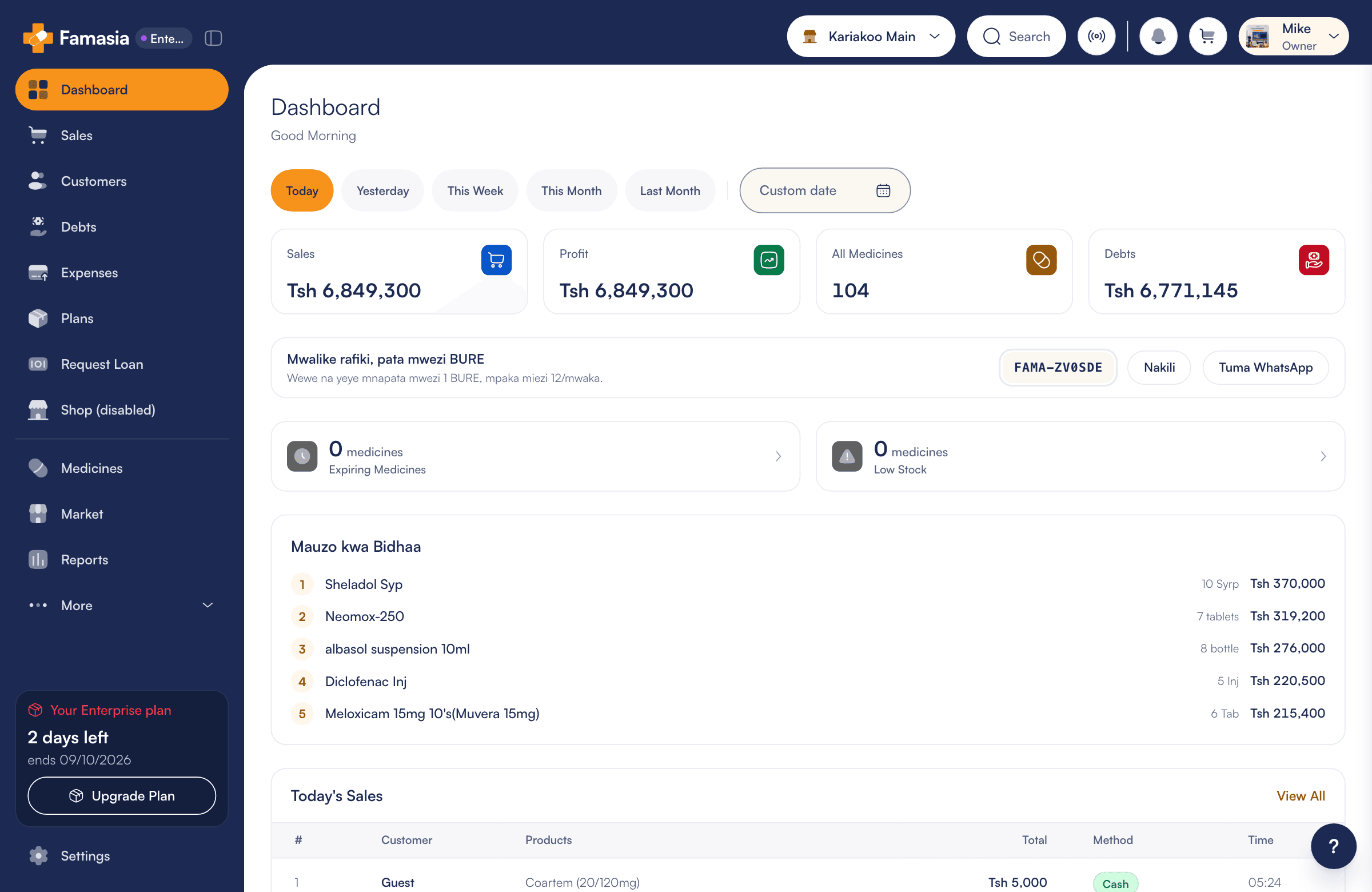
Hobby
For small pharmacies and ADDOs
Tsh 15,500/ month
Total Tsh 15,500 for 1 month
- 1 branch
- 2 users
Pharmacy management software for Tanzania
Manage medicines, sales and debts in one place. Get alerts for medicines close to expiry, and see what is happening in your pharmacy from your phone or computer.
Used by more than 300 pharmacies in Tanzania.





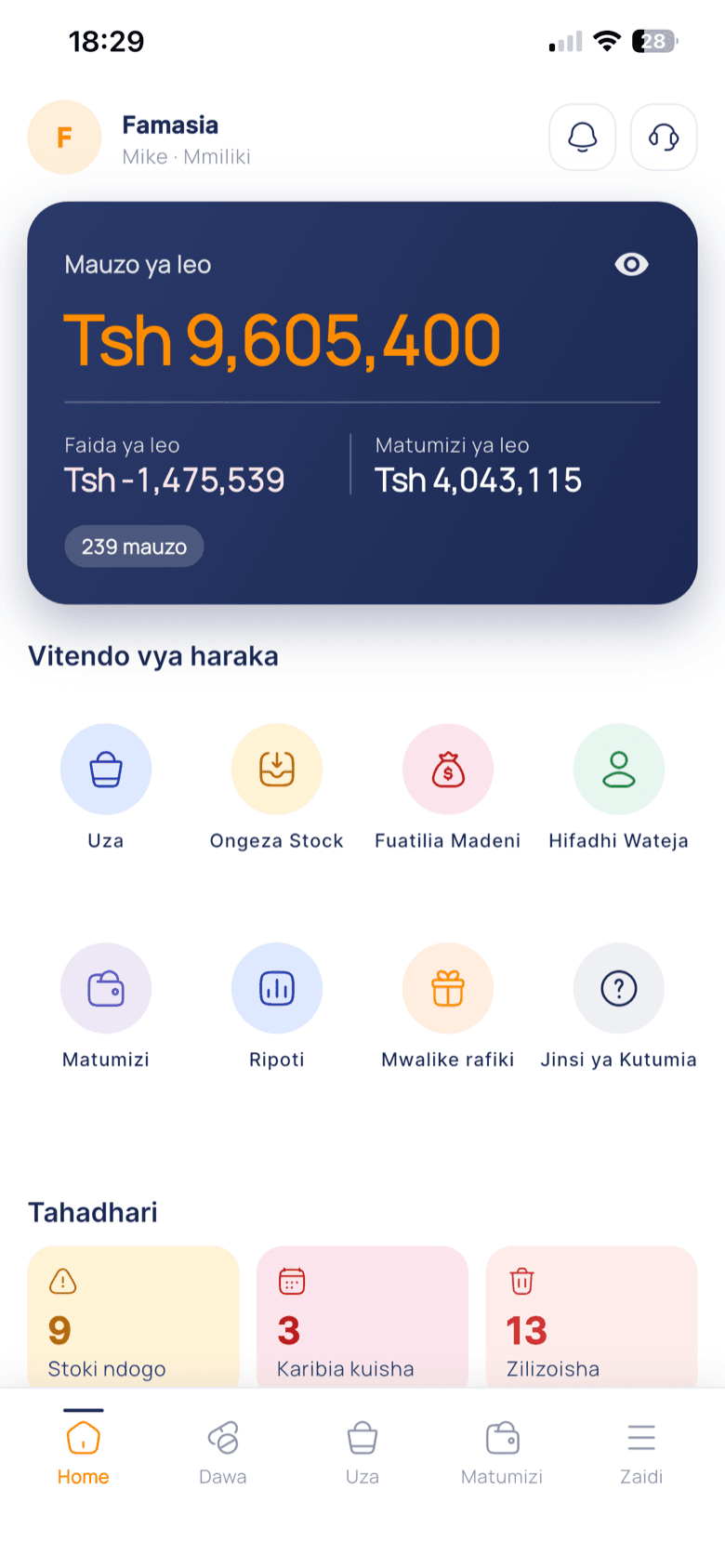
System figures, July 2026.
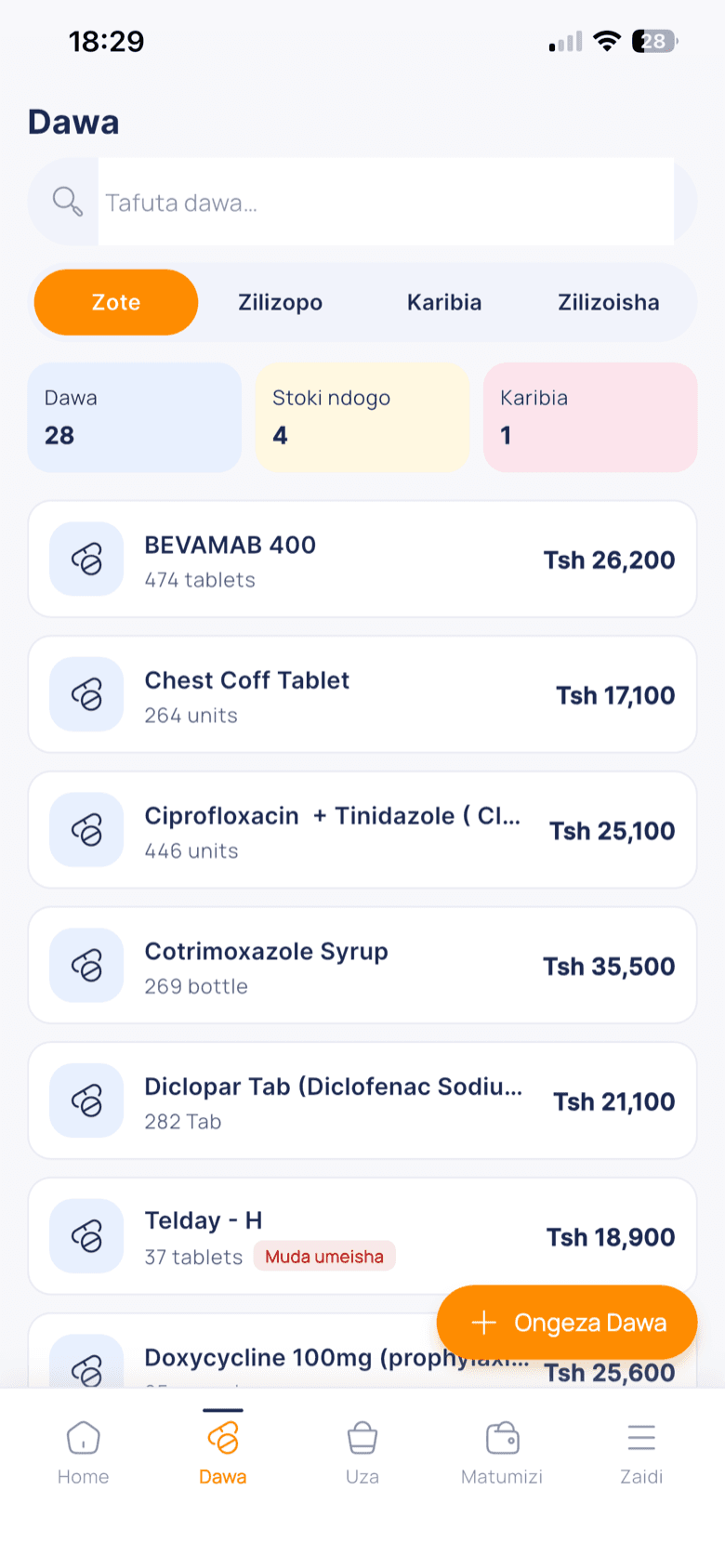
See the regions we serveTrack the quantity on hand and expiry dates. Get alerts so you can plan the next step.
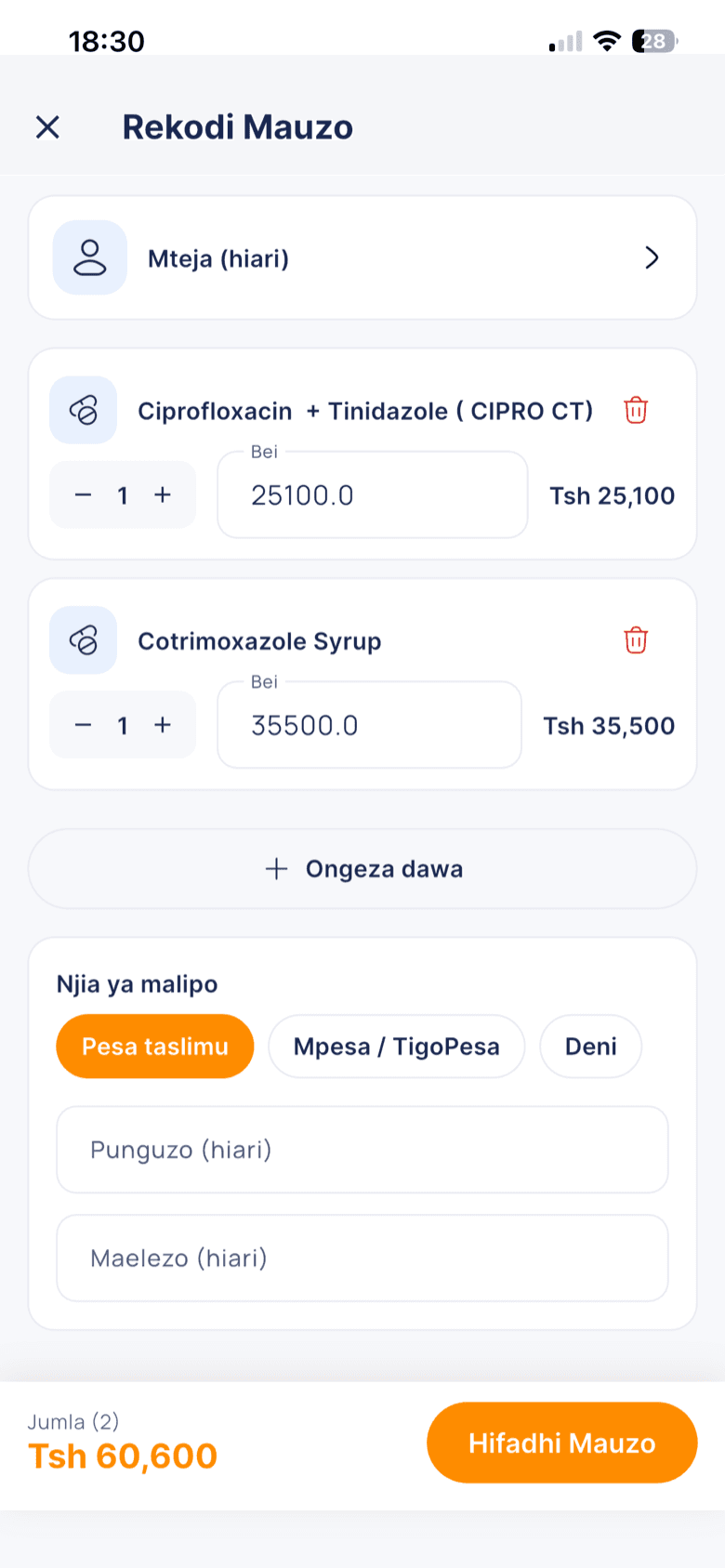
Record sales and follow your pharmacy's activity from your phone or computer.
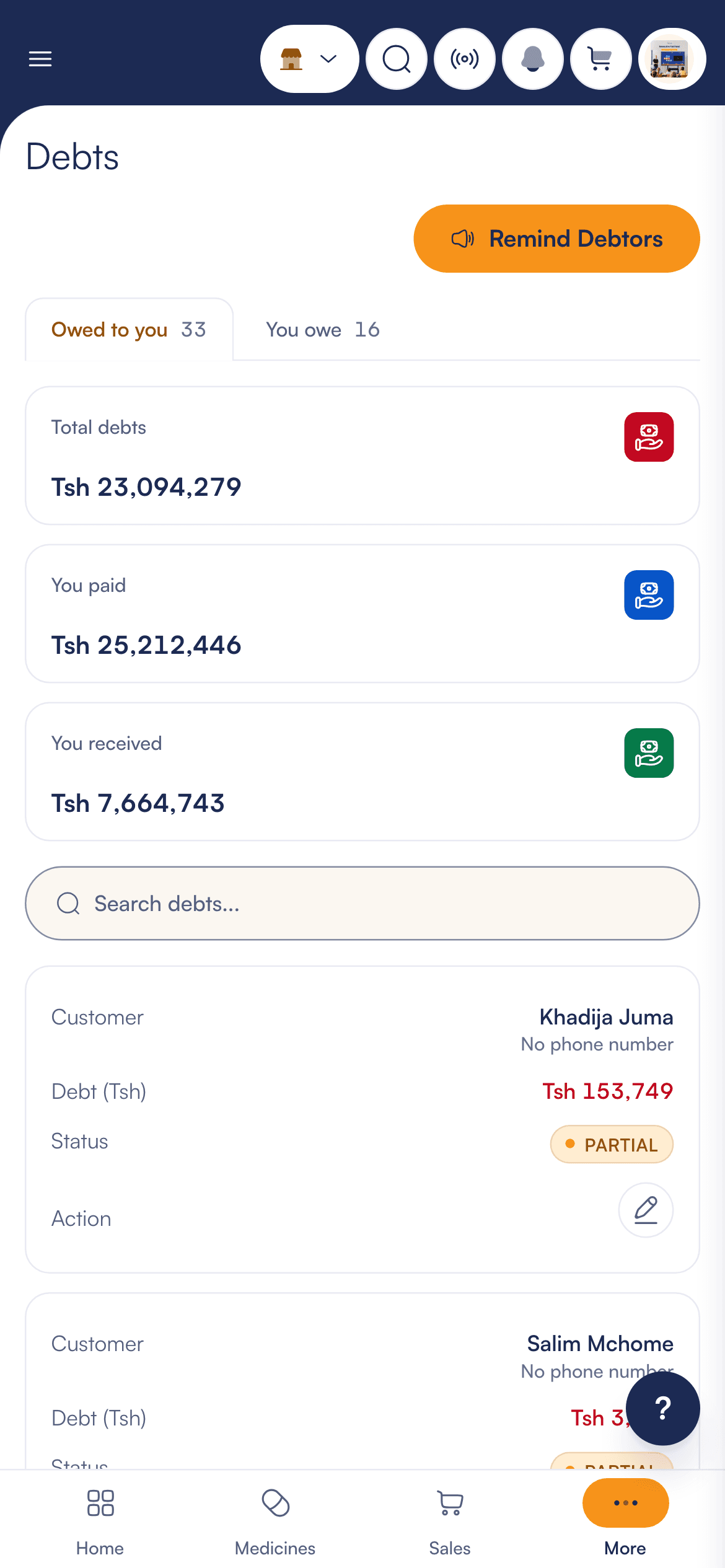
See each customer's balance, record payments and send SMS reminders.
SMS is bought separately as credit.
Give permissions according to each staff member's job.
| Role | Sales | Stock | Debts | Reports | Staff |
|---|---|---|---|---|---|
| Owner | Yes | Yes | Yes | Yes | Yes |
| Admin | Yes | Yes | Yes | Yes | No |
| Pharmacist | Yes | Yes | Yes | No | No |
| Seller | Own sales only | No | No | No | No |
Accept M-Pesa, Tigo Pesa, Airtel Money and card payments through Selcom.
Create a purchase order, send it to your supplier as a PDF, then receive the stock when it arrives.
Get a summary of sales, profit and medicines close to expiry every day. It is prepared by AI.
The demo is the real Famasia with sample data. Try these three things:
Demo data is reset from time to time.
Sign up with your phone number. No bank card needed.
Upload an Excel, CSV or PDF file or a photo of your list. Famasia reads it, then you check it before saving.
Record sales, track debts and see reports wherever you are.
Pricing
Every plan includes every feature. Plans differ by number of branches and users.
Hobby: Tsh 15,500 / month. Premium: Tsh 30,000 / month. Professional: Tsh 50,500 / month. Enterprise: Tsh 102,000 / month
For small pharmacies and ADDOs
Tsh 15,500/ month
Total Tsh 15,500 for 1 month
For growing pharmacies
Tsh 30,000/ month
Total Tsh 30,000 for 1 month
For established pharmacies
Tsh 50,500/ month
Total Tsh 50,500 for 1 month
For pharmacy chains
Tsh 102,000/ month
Total Tsh 102,000 for 1 month
Prices are in Tanzanian shillings. The full total is shown before you pay. Reminder SMS is bought separately. Printers and other hardware are not included.
Not sure which plan fits you?
Chat with us on WhatsAppNew accounts get 2 days to try Famasia free, with no bank card. After that you choose a plan to keep recording sales. The demo is always free and needs no sign-up. The mobile app is free to download.
Famasia needs the internet to save sales and stock. When the connection comes back, you carry on where you left off.
Yes. Upload an Excel, CSV or PDF file or a photo of your list. Famasia reads it, then you check and correct it before saving. If you get stuck, message us on WhatsApp.
On Android phones and iPhones, and in a computer browser. On a phone, the camera reads barcodes. Receipts print through a printer connected to your computer.
Message us on WhatsApp or email hello@famasia.app. We are available Monday to Friday from 08:00 to 18:00, and Saturday from 09:00 to 13:00.
Each staff member logs in with their own phone number and PIN, and sees only what their permissions allow. Reports download as PDF, Excel or CSV.
There is no setup fee. Reminder SMS is bought separately as SMS credit. Printers and other hardware are not included in the price. The full total is shown before you pay.
Try sales, stock and reports with sample data. When you are happy, create an account for your pharmacy.
26 regions
From Dar es Salaam, Mwanza and Arusha to Mtwara. Tap or choose a region to see its name.
The mobile app is free to download on iPhone and Android. The plan you use it on is paid separately. You can also use Famasia in a browser without downloading anything.